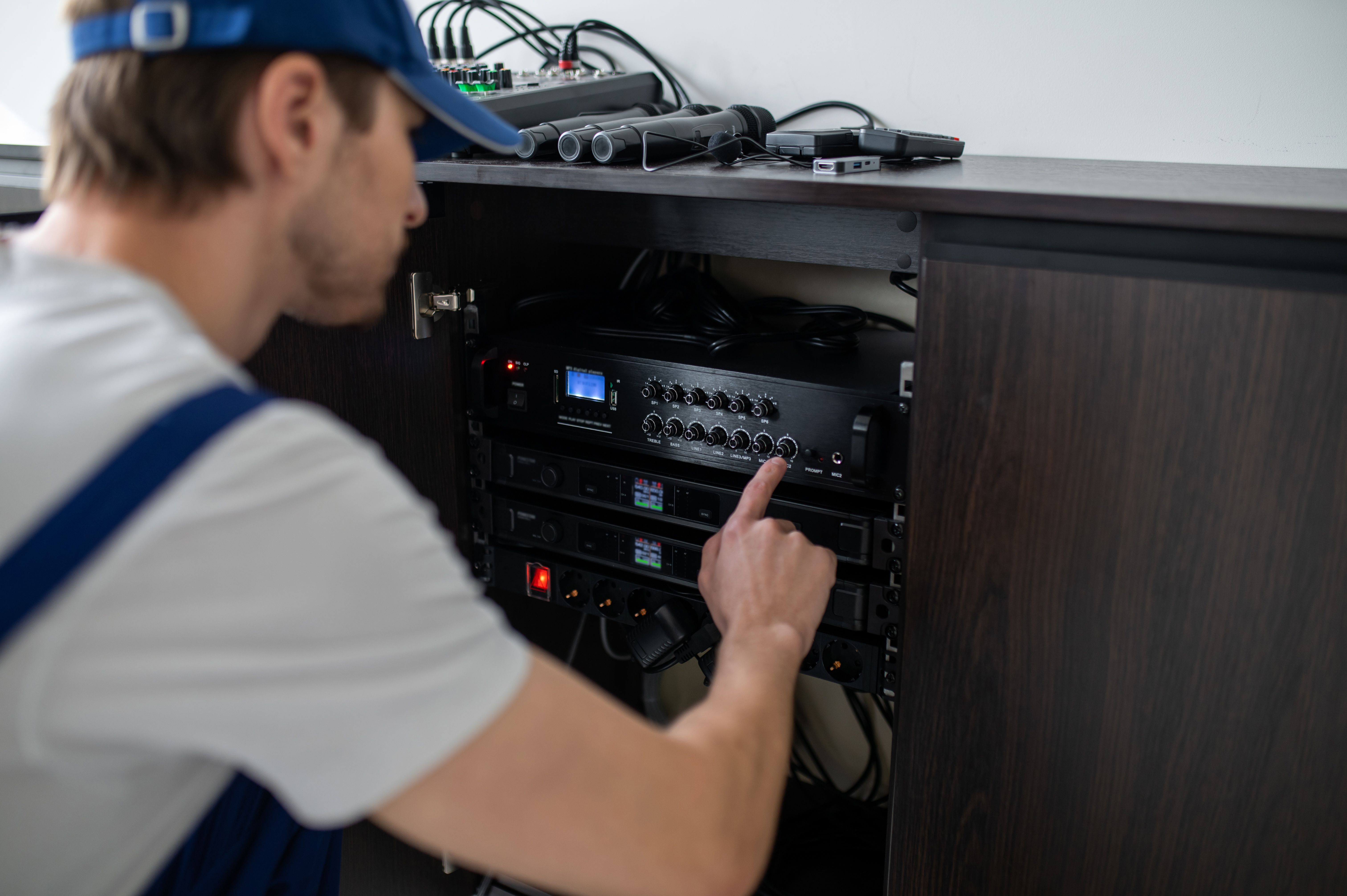
DIY Tips for Basic AV Installation and Maintenance
AM
Understanding Your AV System
Setting up an audiovisual (AV) system can seem daunting, but with a little guidance, you can easily manage basic installation and maintenance yourself. Whether it's for your home theater or a small office setup, understanding the components and their functions is crucial.
The primary components of most AV systems include the display (TV or projector), audio output (speakers or soundbars), and source devices (Blu-ray players, streaming devices, or gaming consoles). Familiarize yourself with the connections and ports on each device.
Setting Up Your Display
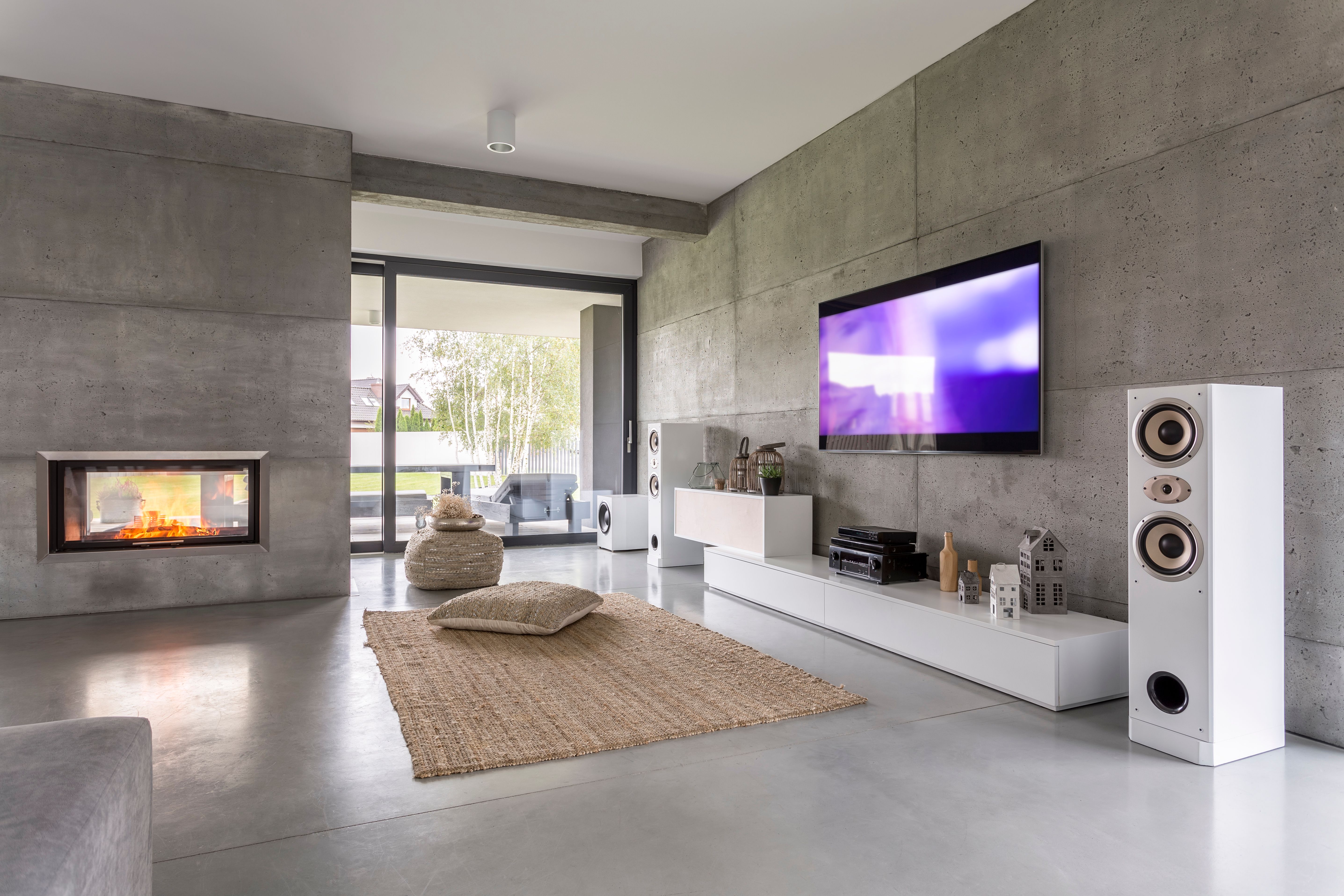
When setting up your display, the location is key. Ensure the screen is at eye level and the room lighting is optimal to avoid glare. If you're using a projector, adjust the distance from the screen to get a clear picture.
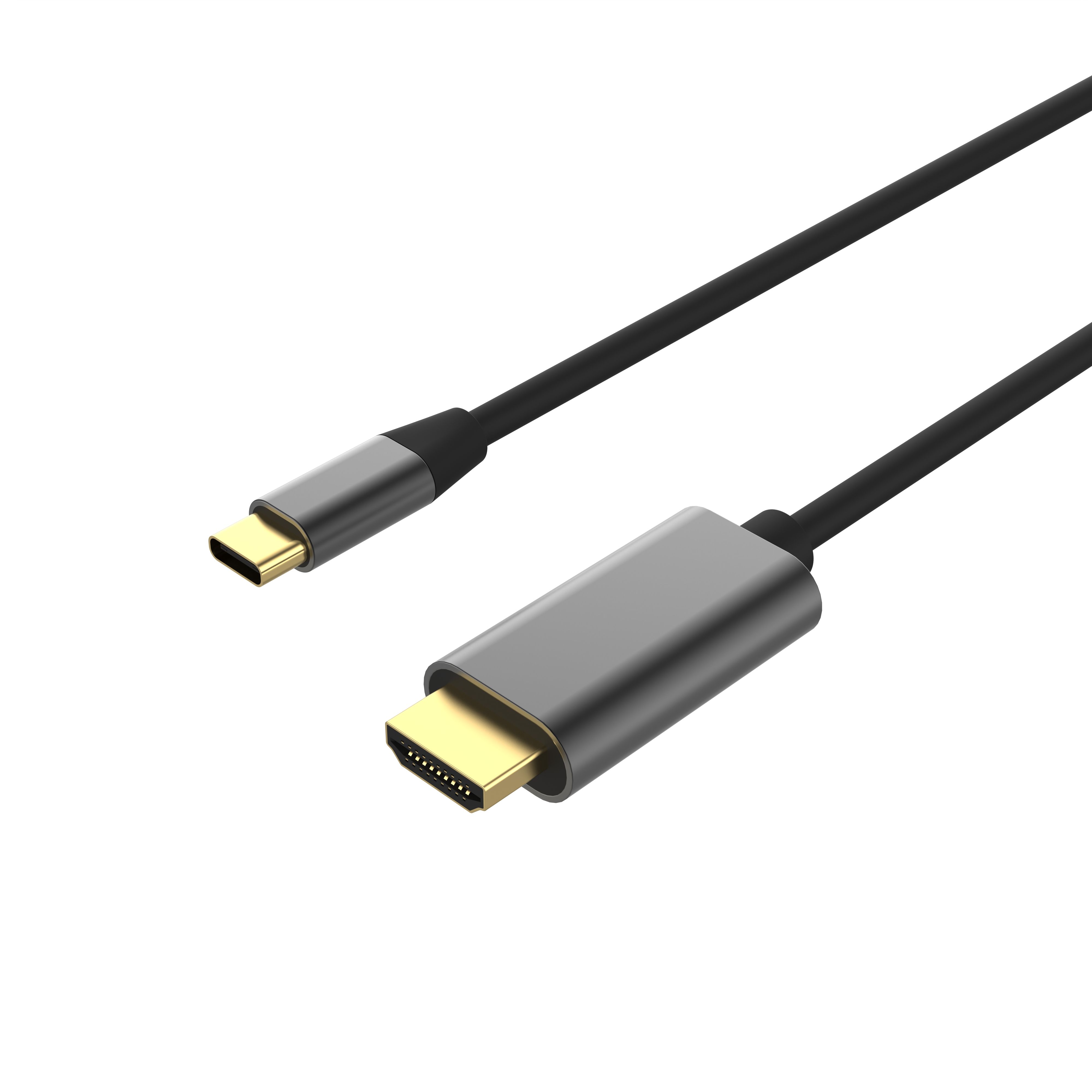
Connecting your display to other components usually involves HDMI cables. These cables provide both audio and video signals, simplifying the setup. Make sure the cables are securely plugged in to avoid any connection issues.
Calibrating Your Display
Once your display is set up, calibrate the picture settings for the best viewing experience. Adjust the brightness, contrast, and color settings according to your preference. Many modern displays come with preset modes for different types of content, such as movies or sports.
Audio System Installation
For audio, decide whether you want a simple soundbar or a full surround sound system. Position speakers strategically for optimal sound distribution. If you're not using a wireless system, conceal speaker wires to keep your setup tidy.
Test the sound by playing different types of content. You may need to tweak the audio settings to get the perfect balance. Many systems offer equalizer settings to customize the sound profile.
Maintaining Your AV Equipment
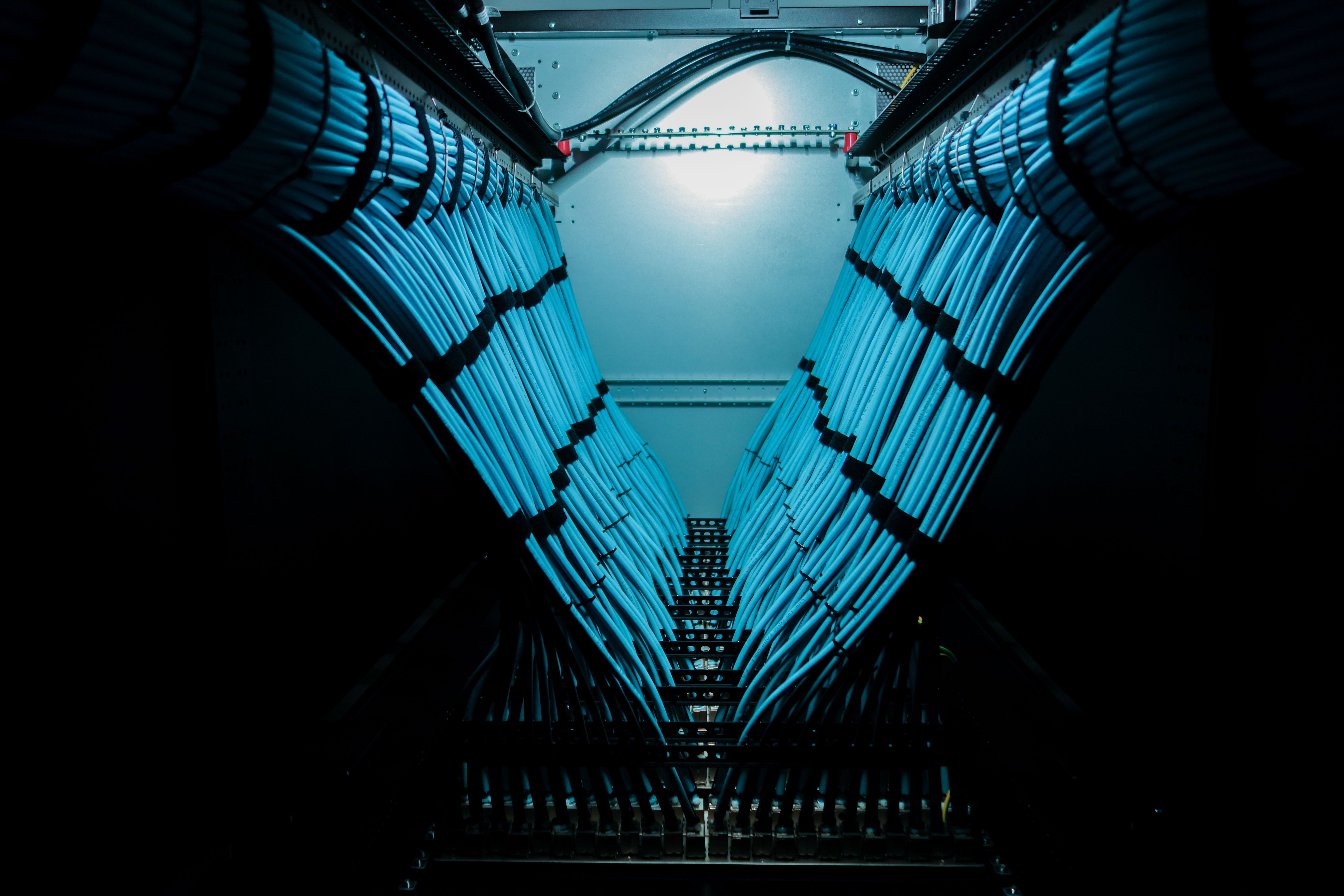
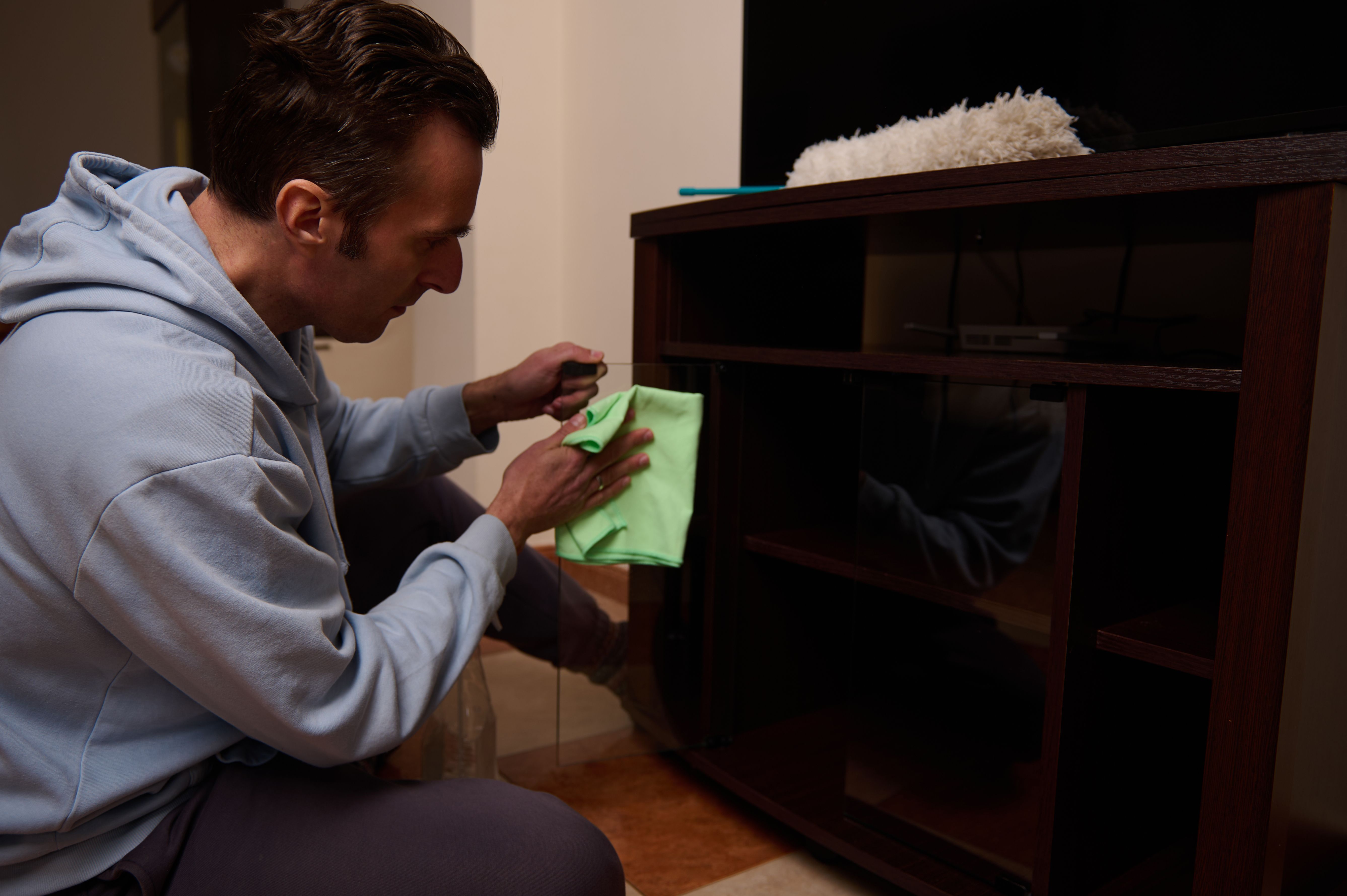
Regular maintenance ensures your AV system runs smoothly. Dust your equipment and clean the screens with a microfiber cloth. For connections, check cables periodically to ensure they're secure and undamaged.
Software updates can improve functionality and fix bugs. Check for firmware updates for your devices and apply them as needed. This is especially important for smart TVs and streaming devices.
Troubleshooting Common Issues
Even with proper setup, issues can arise. If you experience no signal on your display, check the cable connections and ensure the correct input source is selected. For audio issues, verify that the volume is turned up and that the audio output is correctly configured.
If problems persist, consult the user manuals or online forums for specific troubleshooting tips. Many manufacturers offer support resources that can guide you through more complex issues.
When to Call a Professional
While DIY installation and maintenance are manageable, there may be situations where professional help is required. If you're planning a large-scale installation or encounter complex problems, don't hesitate to reach out to an expert.
Professionals can provide insights into the latest technologies and integrations, ensuring your system performs at its best.